How to Spot a Scam Text or Email
The warning signs that still give phishing texts and emails away, the old tell that no longer works, and what to do step by step if you already clicked.

Patricia Owens
2026年9月8日 · 阅读约 3 分钟
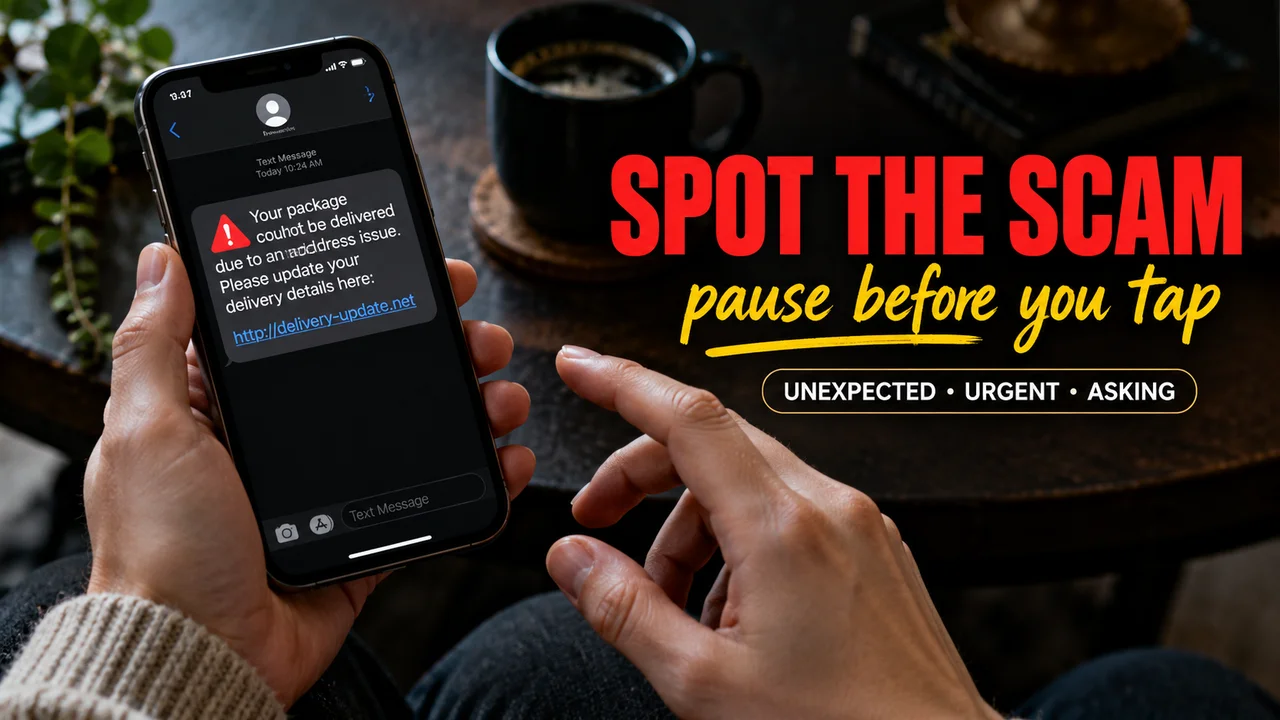
A text says your package is stuck, or your bank spotted a strange purchase, and there's a link right there to fix it. Half a second later your thumb is already hovering over it.
Here are the warning signs that still give scams away, which old tells no longer work, and exactly what to do if you already tapped.
What I'm seeing change
At church, people used to bring me odd emails. Now they hold out a phone with a text about a toll they never drove through. Goodness, I got one too.
My read on why: texts feel personal, and a link on a small screen is easy to tap. The FTC's most reported text scams of 2024:
- Package delivery problems, often pretending to be the Postal Service
- Job offers for simple online tasks, like rating apps
- Fake fraud alerts that look like they come from your bank or a big store
- Unpaid toll notices with a link to pay
- "Wrong number" texts that start with a friendly "hello"
The FTC says reported losses from text scams in 2024 were more than five times the 2020 figure.
Built to last: the signs that still work
- It's unexpected. You didn't order, apply or ask for anything.
- It's urgent. Act now, or something bad happens.
- It asks for something. A password, card number, Social Security number or a payment update. The FTC says real companies won't text or email you a link to update payment details.
- The link or address is a little off. A lookalike spelling, a shortened link, or a sender address that isn't the company's real one.
- It offers a prize, refund or coupon you never expected.
A logo proves nothing. Anyone can copy one.
Built to fade: the old tells
Bad spelling used to be the giveaway. CISA (the federal cybersecurity agency) now warns that AI can write polished messages, so a scam can arrive with perfect grammar, a tidy layout and your name spelled right. Typos are a bonus clue now, not a test.
Hidden tips
- Never share a verification code. That little code is the second lock on your account. FTC guidance says anyone who asks you for it is a scammer, even someone who claims to be your bank.
- Don't reply at all. Not "STOP", not "wrong number". Just forward the text to 7726 (it spells SPAM) so your phone company can block similar ones, then delete it. For emails, forward to reportphishing@apwg.org.
If it might be real
Close it. Contact the company using a number or website you already know, like the number on the back of your card. Never use the link or phone number inside the message.
If you already clicked
- Clicked a link or opened an attachment: update your security software, run a scan and remove anything it flags.
- Typed a password: change it, and turn on two-step login (a code as well as your password).
- Gave card or bank details: call your card company or bank right away, using the number on your card, and dispute any charges you don't know.
- Gave your Social Security number: go to IdentityTheft.gov for a step by step plan.
- Report it at ReportFraud.ftc.gov.
I wrote these steps in my spiral notebook, in my own words. My granddaughter Grace says it's the only phone manual in the house anyone actually reads!
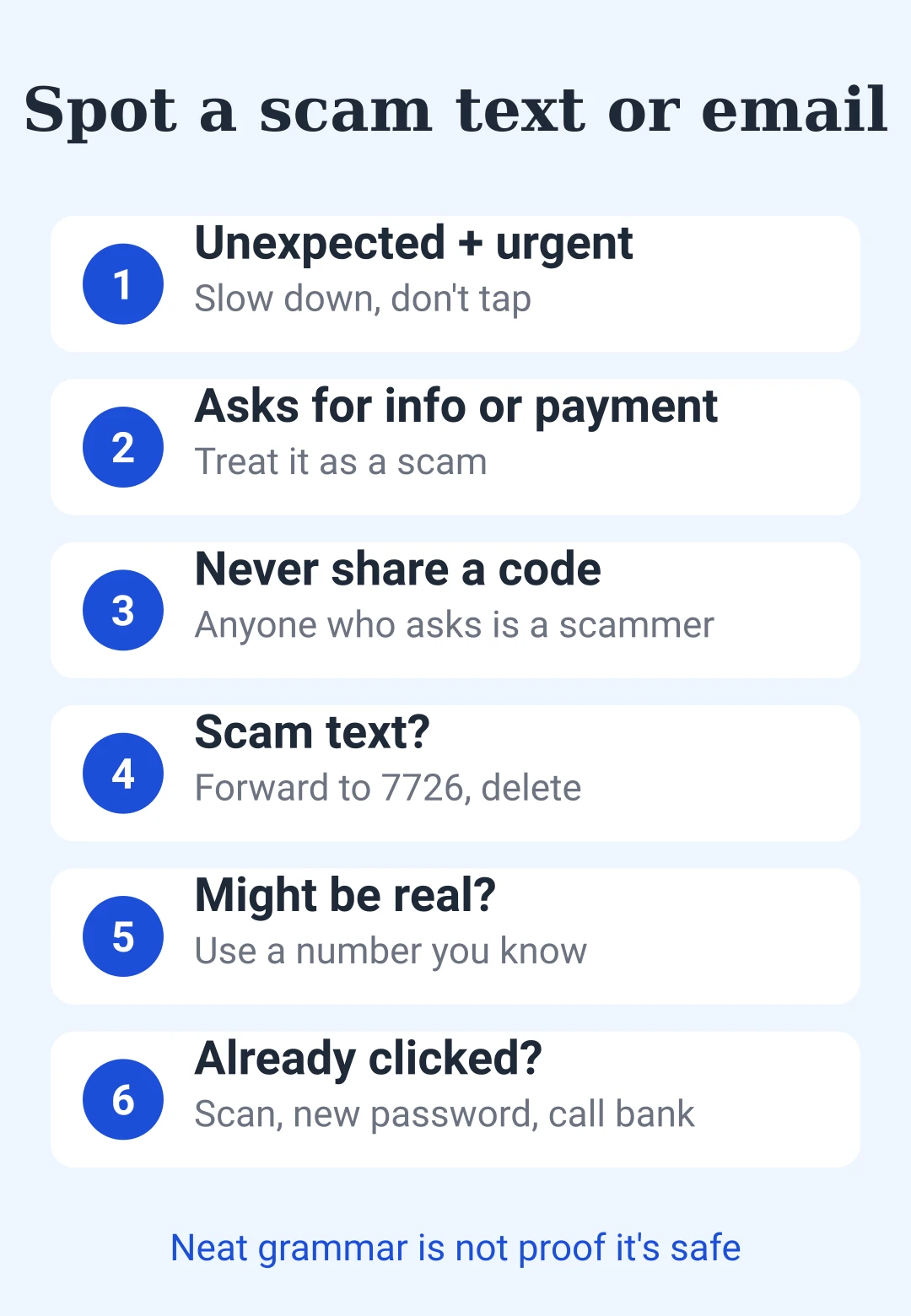
Save this: scam check at a glance
| Check | What to do |
|---|---|
| Unexpected + urgent | Slow down, don't tap |
| Asks for info or payment | Treat it as a scam |
| Odd link or sender | Don't click |
| Perfect grammar | Not proof it's safe |
| Verification code request | Never share it |
| Scam text | Forward to 7726, delete |
| Might be real | Use a number you already know |
| Already clicked | Scan, change password, call bank |
Follow what the message asks you to do, not how it looks, and the scam gives itself away.







后即可发表评论。
加载中…