How to Make Strong Passwords You Can Remember
How long a password should be, why random-word passphrases work, and a simple desk-by-desk system for keeping every password safe, with a cheat sheet to save.

Alex Rivera
2026년 8월 30일 · 3분 분량
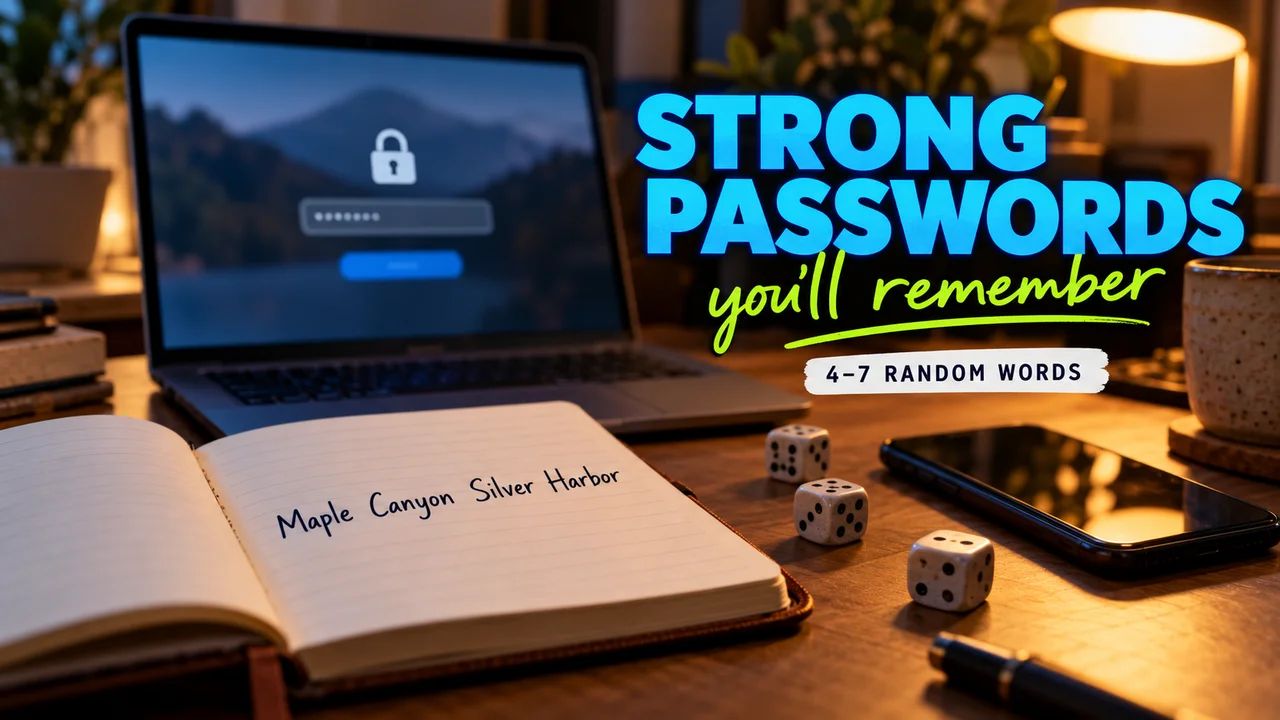
A site asks for a new password with a capital, a number and a symbol, and you type a pet's name plus "123!" one more time. My mom in Garland still says the only rule is never write a password down, and that turns out to be half right.
Here is how long a password should be, why random words beat symbol soup, and how to track them all safely. The tour: my desk, left to right.
Stop 1: the notepad, left of the keyboard
Length comes first. CISA, the federal cyber agency, says at least 16 characters. NIST, the federal standards lab, sets 15 as the floor when a password works alone.
In plain English, a "passphrase" is a password made of words. CISA suggests 4 to 7 unrelated words. "Cactus lantern velvet orbit" is 27 characters and easy to picture.
- Skip: names, birthdays, teams. Much of that sits on social media.
- Skip: swapping "o" for "0". Attackers know it.
- Relax: NIST tells sites not to force symbol-and-number rules.
Hidden tip: let dice or a generator pick the words, not your brain. The EFF method uses five dice per word against a list of 7,776 words, and recommends at least six words. Spaces count too, and NIST says sites should accept them.
Stop 2: the laptop, center
Here lives the password manager: a program that creates, saves and fills in passwords. Many browsers and phones include one.
- Remember one strong passphrase: the manager's.
- Let it generate a different password for every other account.
- Let it autofill. NIST says sites must allow password managers.
Why one per account? A breach at one site opens every account that shares its password. The Pwned Passwords service tells you if it has leaked, and only a short piece of a scrambled version ever leaves your device.
Stop 3: the phone, right of the laptop
The second lock. With a code or prompt on your phone as a second step, NIST allows passwords as short as 8 characters.
When a site offers a "passkey," take it. In plain English, a passkey signs you in the way you unlock your phone: face, fingerprint or PIN. The FIDO Alliance, which sets the standard, calls it phishing-resistant.
Stop 4: the top drawer
One labeled envelope, because my label maker gets everything. It holds the manager's passphrase and any backup codes my accounts gave me. Mom's rule gets an update here. The UK's cyber agency says writing a password down is OK if you keep it somewhere safe. A drawer, not a sticky note on the screen.
The problem corner: old security questions
The ticket I'm not proud of: old accounts that still ask "favorite food?" Google researchers found one guess cracked English speakers' favorite food answer nearly 1 time in 5. Made-up answers were forgotten more often.
Hidden tip: answer with a random phrase and save it in your manager as a note.
Copy this, easiest first
Looking back from the drawer, one rule runs the desk: remember one thing, store the rest.
- Change your email password to a passphrase. Resets for other accounts usually land there.
- Turn on the second step for email and banking.
- Move other accounts into the manager, one at a time.
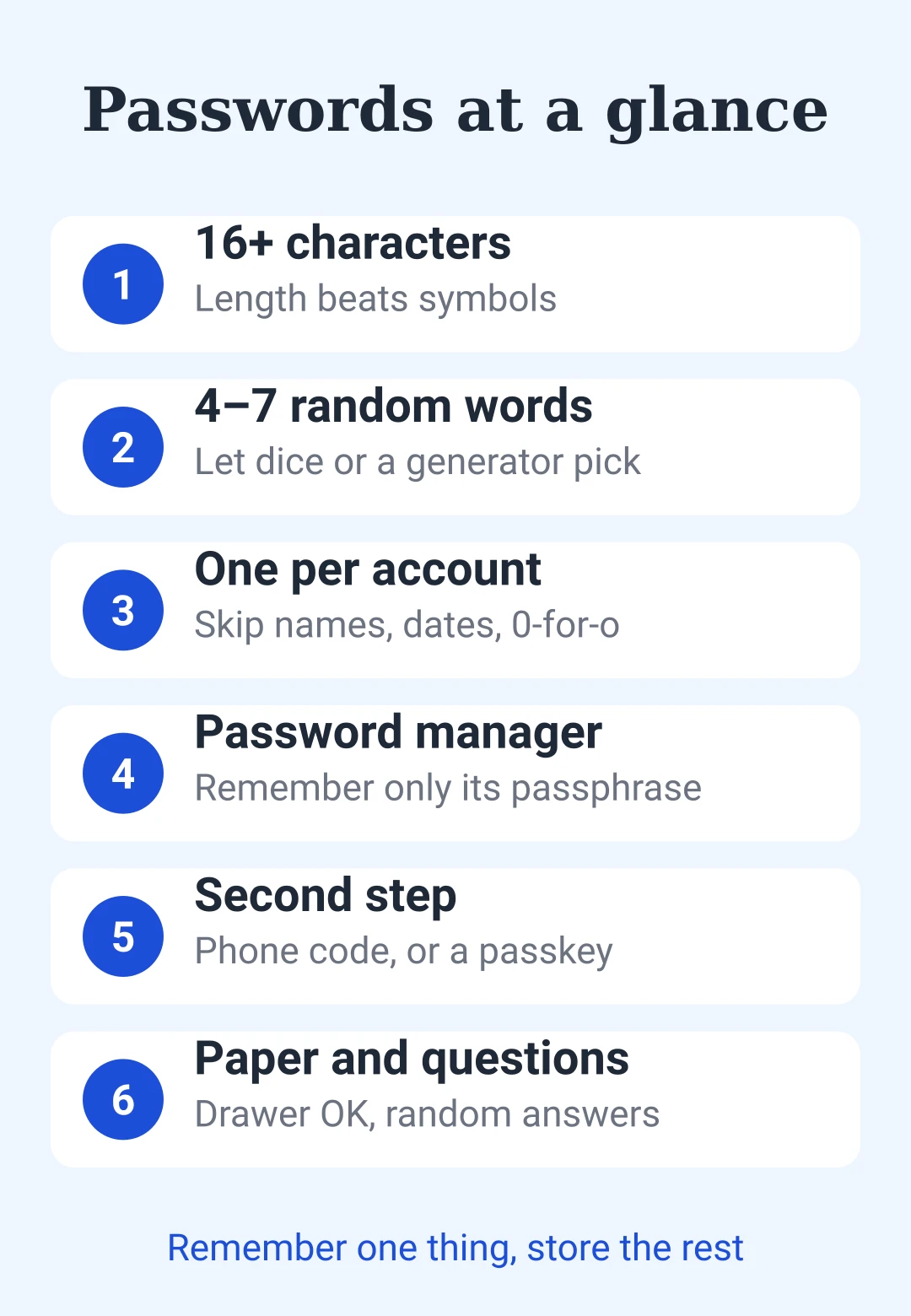
Save this: passwords at a glance
| Point | Rule |
|---|---|
| Length | 16+ characters |
| Passphrase | 4–7 random words, dice pick them |
| Skip | Names, dates, 0-for-o swaps |
| Per account | A different password every time |
| Manager | Remembers all but one |
| Second step | Phone code, or a passkey |
| Paper | OK in a drawer, never on the screen |
| Security questions | Random answer, saved in manager |


댓글을 남기려면 해 주세요.
불러오는 중…