
How to Make Your Earbuds Last Longer: Case and Tip Care
The parts that wear out first on wireless earbuds (charging contacts, the case hinge and ear tips) and the simple care habits that keep each one working longer, with a cheat sheet to save.

Ethan Wu
2026年8月6日 · 3分で読めます
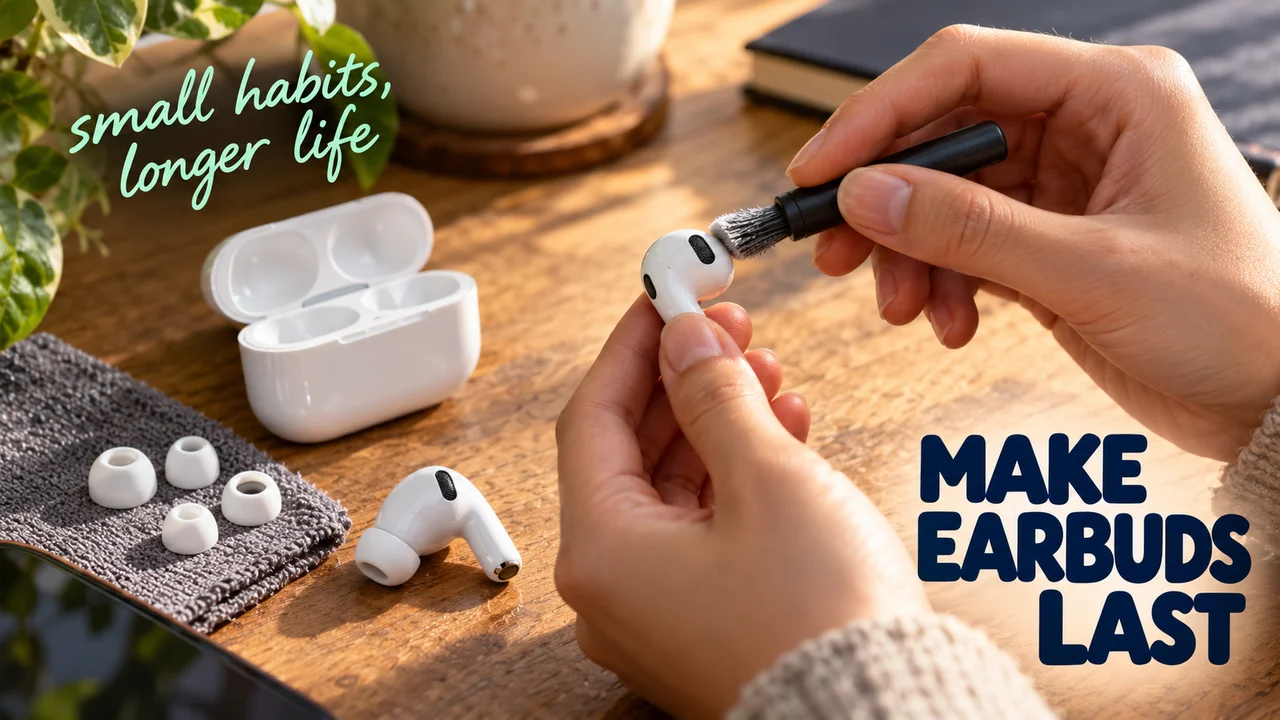
One earbud sits in its case all night and still wakes up at zero percent; the other is full. I asked friends what died first on their last pair; few said the battery.
Here is what physically wears out first on wireless earbuds, and the small care habits that keep each part going longer.
The three parts that go first
- Charging contacts. The tiny metal pads where each bud touches the case. Samsung notes that dust, wax and other debris build up on them over time and can stop charging altogether.
- The case lid and hinge. It opens many times a day. It also gets flipped like a fidget toy.
- Ear tips. Silicone stretches and tears; foam compresses. Comply, a foam-tip maker, puts a pair of its standard foam tips at about 2 to 3 months of average use.
Why it matters
A dirty contact looks like a dead battery. A tired tip looks like weak sound. Apple says a correct ear-tip fit gives better noise cancelling and fuller bass, so a worn seal quietly takes both away.
My view from the test bench: watch the hinge, not the spec sheet. The parts you touch wear out first.
Care habits for the case and contacts
- Wipe the contacts dry. Samsung advises a dry cotton swab on the contacts and no alcohol, acetone or other solvents.
- Brush the port, don't poke it. Apple says to clear the case's charging port with a clean, dry, soft-bristled brush and never put anything inside it, to avoid damaging the metal contacts.
- Clean the outside gently. A soft, dry, lint-free cloth, lightly dampened with isopropyl alcohol if needed, per Apple. Nothing abrasive.
- Treat the lid like a hinge, not a toy. Close it fully, and keep the case away from keys and coins in the same pocket. (My hot take: the fidget flip does hinges no favors.)
- Skip the hot car. Apple's storage range for AirPods tops out at 45 °C (113 °F), warns that parked cars can exceed it, and says very hot conditions can permanently shorten battery life.
Care habits for the tips
- Rinse with plain water. Apple's AirPods Pro guide says to pull tips off at the base, rinse them with water only (no soap or household cleaner) and let them dry completely before clicking them back on.
- Replace on symptoms, not dates. Comply lists the signs: the fit feels less secure, the seal is inconsistent, you keep readjusting, or you see tears.
- Retest the seal. AirPods Pro have a built-in Ear Tip Fit Test (Acoustic Seal Test on the newest model) in the AirPods settings; left and right may need different sizes.
Hidden tips most people miss
Hidden tip 1: if one bud won't charge, check the tip before blaming the battery. Samsung says a tip or wingtip that isn't fitted correctly can stop the bud from seating in the case, and then the contacts never connect.
Hidden tip 2: wet buds don't go straight back in. After wiping off sweat or water, Apple says to let AirPods dry for at least two hours before putting them in the case. On iPhone, Optimized Battery Charging (on by default for AirPods Pro and AirPods 3 or later) also holds off a full charge until shortly before you usually need them, which reduces battery wear.
Cheat sheet: earbud care
| Part | Do | Avoid |
|---|---|---|
| Contacts | Dry cotton swab | Solvents, metal tools |
| Charging port | Dry soft brush | Liquid, poking |
| Case lid | Close fully, own pocket | Fidget flipping, keys |
| Ear tips | Rinse with water, dry fully | Soap, reattaching wet |
| Fit | Replace when the seal fades | Ignoring loose fit |
| Battery | Optimized charging on | Hot parked car |
| Won't charge | Check tip seating, clean pads | Assuming it's dead |
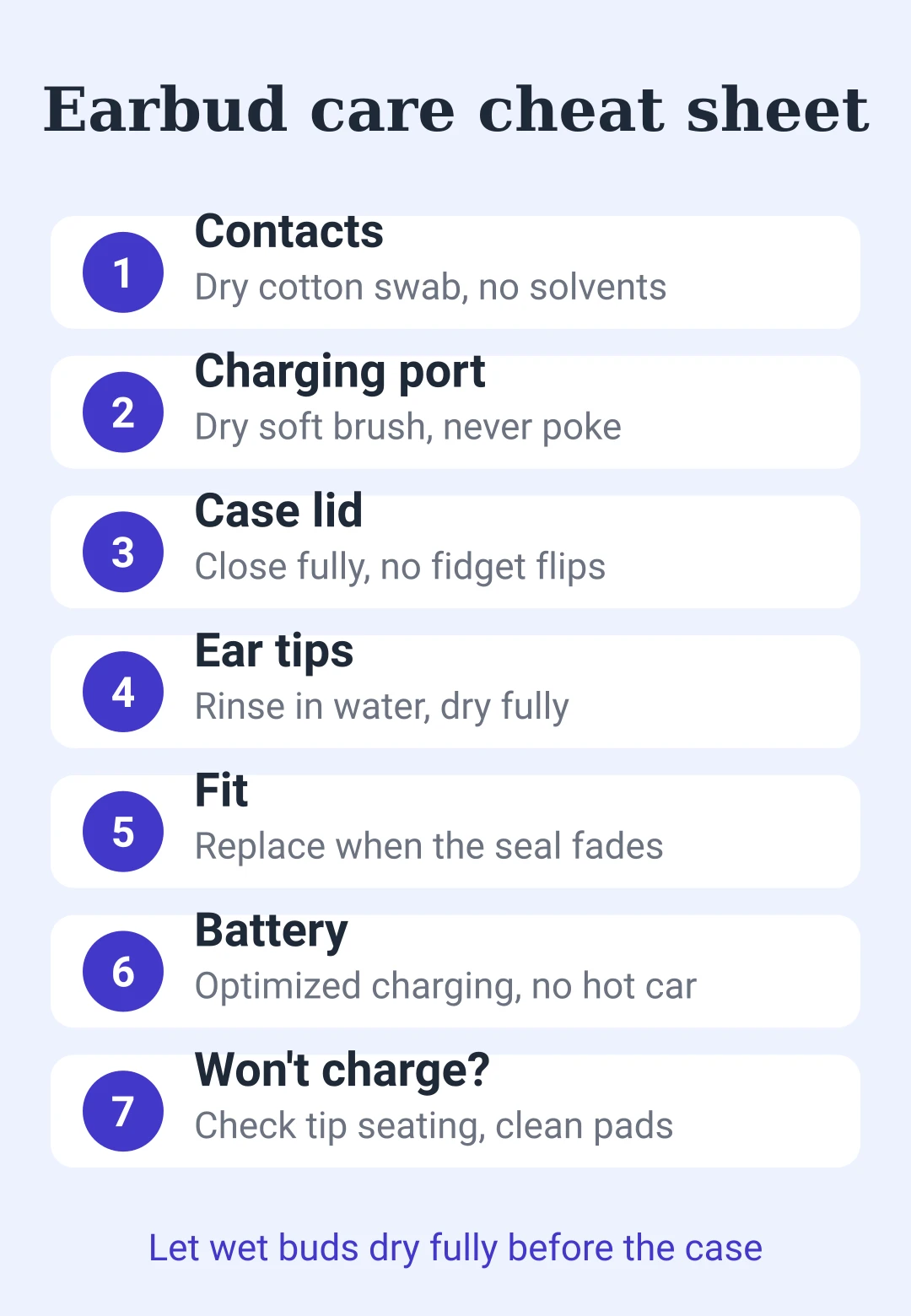
Bottom line: clean contacts, fresh tips and a gently treated lid cover the parts that wear out first.






コメントするにはしてください。
読み込み中…