
How to Set Up a Laptop Ergonomically at Your Desk
Find out why laptop work makes you hunch, then raise the screen to eye level and set your hands, chair and lighting, with a cheat sheet to save.

Sarah Goldberg
17 juin 2026 · 3 min de lecture
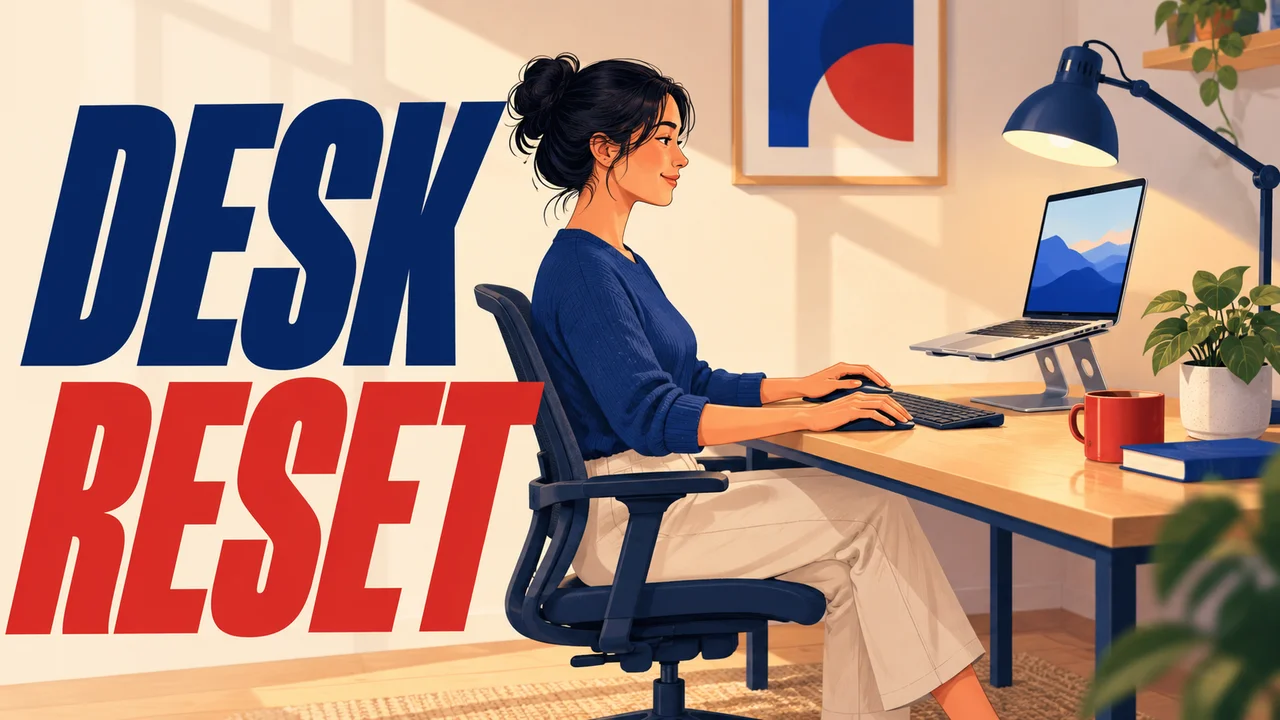
An hour into laptop work, your chin has drifted toward the screen, your shoulders have crept up and your neck feels stiff. People call it "laptop neck", "that hunch" or just "my back is killing me".
Here are the four usual causes, the sign for each, and how to fix screen, hands, chair and lighting with the desk you already have.
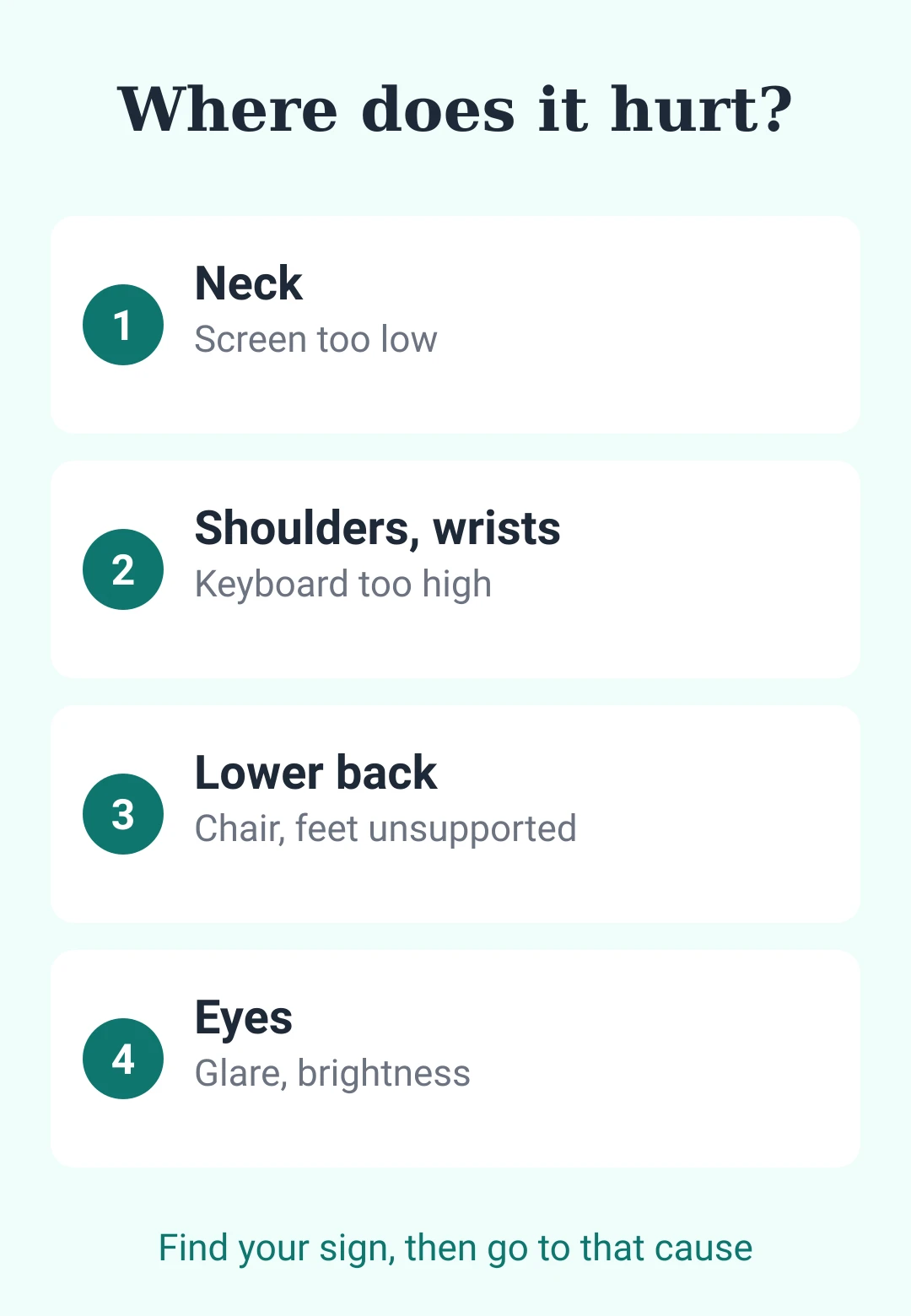
Triage: where do you feel it?
- Back of the neck: go to Cause 1.
- Shoulders, forearms or wrists: Cause 2.
- Lower back: Cause 3.
- Tired eyes: Cause 4.
Cause 1: the screen sits too low
Sign: your head sits in front of your shoulders.
Why: a laptop joins screen and keyboard, so when your hands are right, the screen is too low; Cornell University's ergonomics program calls it a neck-or-wrists tradeoff. A widely cited 2014 model by spine surgeon Kenneth Hansraj put the neck's load at about 27 pounds with the head tipped 15 degrees forward, against 10 to 12 pounds upright.
Fix: raise the laptop on a stand or steady stack of books until the top of the screen is at or slightly below eye level, as OSHA advises, about an arm's length away (OSHA gives 20 to 40 inches).
Cause 2: your hands have nowhere to go
Sign: with the screen raised, you type with lifted arms and tense shoulders, because the keyboard is now far above your elbows.
Fix: add a separate keyboard and mouse, as Cornell advises for main-computer laptops. OSHA's rule: elbows at about keyboard height and close to your body, wrists straight.
Hidden tip 1: fold the keyboard feet down. Those little rear legs tilt the keys up and bend your wrists back; OSHA says skip them if they increase that bend.
Hidden tip 2: no accessories? Protect your wrists first. For short sessions, Cornell says giving up some neck posture beats giving up wrist posture. Keep wrists neutral and tilt the screen so your neck bends as little as possible.
Cause 3: the chair doesn't support you
Sign: you perch on the front edge or your feet dangle, so you slump toward the screen.
Fix: per OSHA, feet flat on the floor or a footrest, lumbar support fitted to your lower back, and a gap behind your knees. My footrest is a stack of old policy binders; it works reasonably well.
Cause 4: glare and brightness
Sign: you squint, lean in or dodge reflections. Bright light washes out the screen, and a screen brighter than the room tires your eyes.
Fix: OSHA advises setting the screen at right angles to windows and aiming lamps so they don't reflect on it. The American Academy of Ophthalmology suggests matching brightness to the room and the 20-20-20 rule: every 20 minutes, look 20 feet away for 20 seconds.
When to see a professional
Setup prevents strain; it does not treat injury. Tingling, numbness, pain in fingers, hands or wrists, or lost strength or coordination call for a doctor, not another desk adjustment.
Keep it from coming back
Set up the same way every time, and measure your elbow height once; my steel tape measure lives in the desk drawer for this.
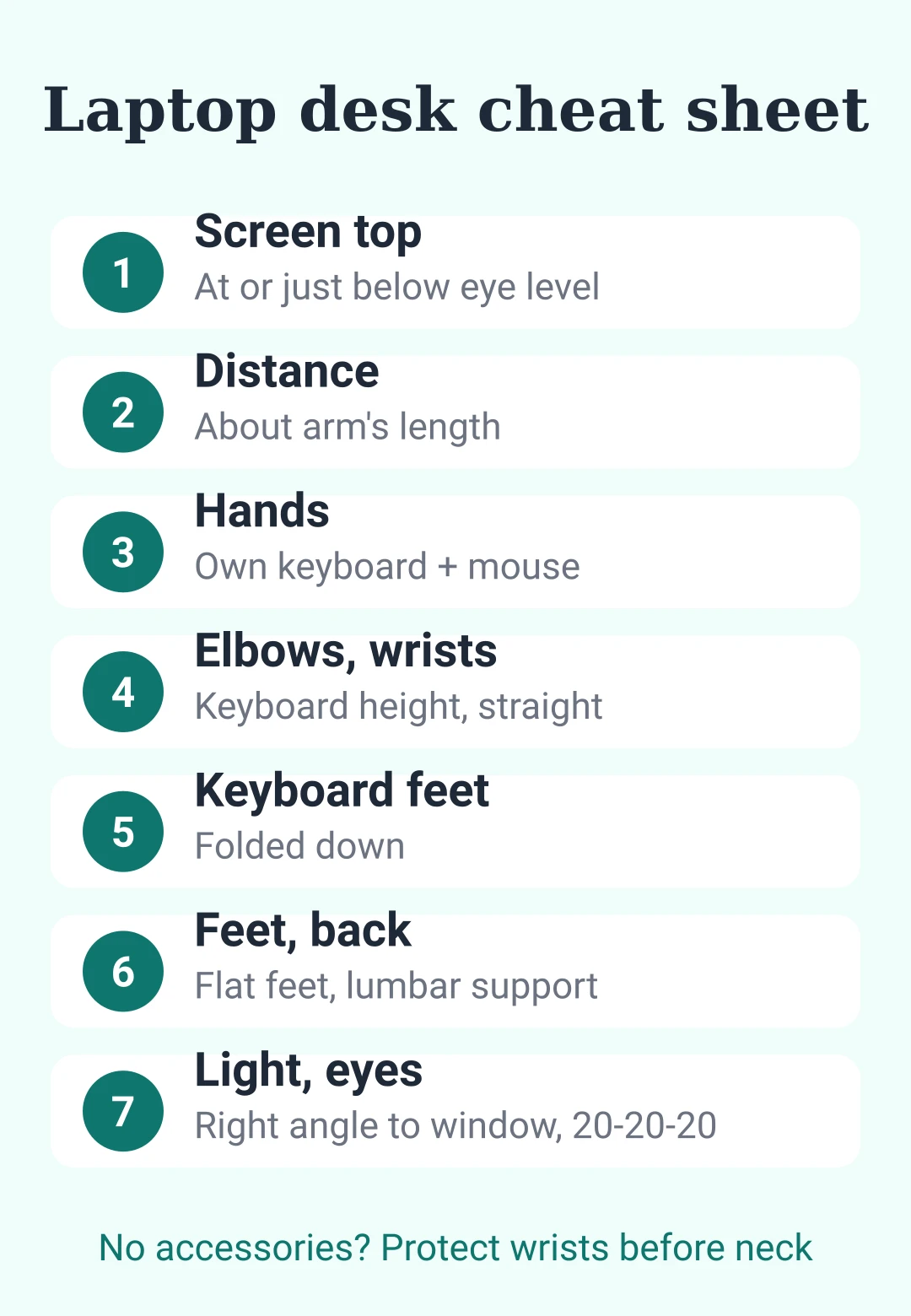
Cheat sheet: laptop at a desk
| Check | Target |
|---|---|
| Screen top | At or slightly below eye level |
| Screen distance | About arm's length (20–40 in) |
| Hands | Separate keyboard and mouse |
| Elbows, wrists | Keyboard height, straight |
| Keyboard feet | Folded down |
| Feet | Flat on floor or footrest |
| Back | Lumbar support, gap behind knees |
| Light | Screen at right angles to windows |
| Eyes | 20-20-20, brightness matches room |
| No accessories | Protect wrists before neck |
Diagnosis in one line: hunching usually means the screen is too low; raise it and add a keyboard.












pour laisser un commentaire.
Chargement…