
How to Organize Cables: A Simple Labeling System
Seven house rules from an IT consultant for sorting, labeling and storing spare cables and chargers so the right one turns up fast, with a cheat sheet to save.

Alex Rivera
2026年10月11日 · 阅读约 3 分钟
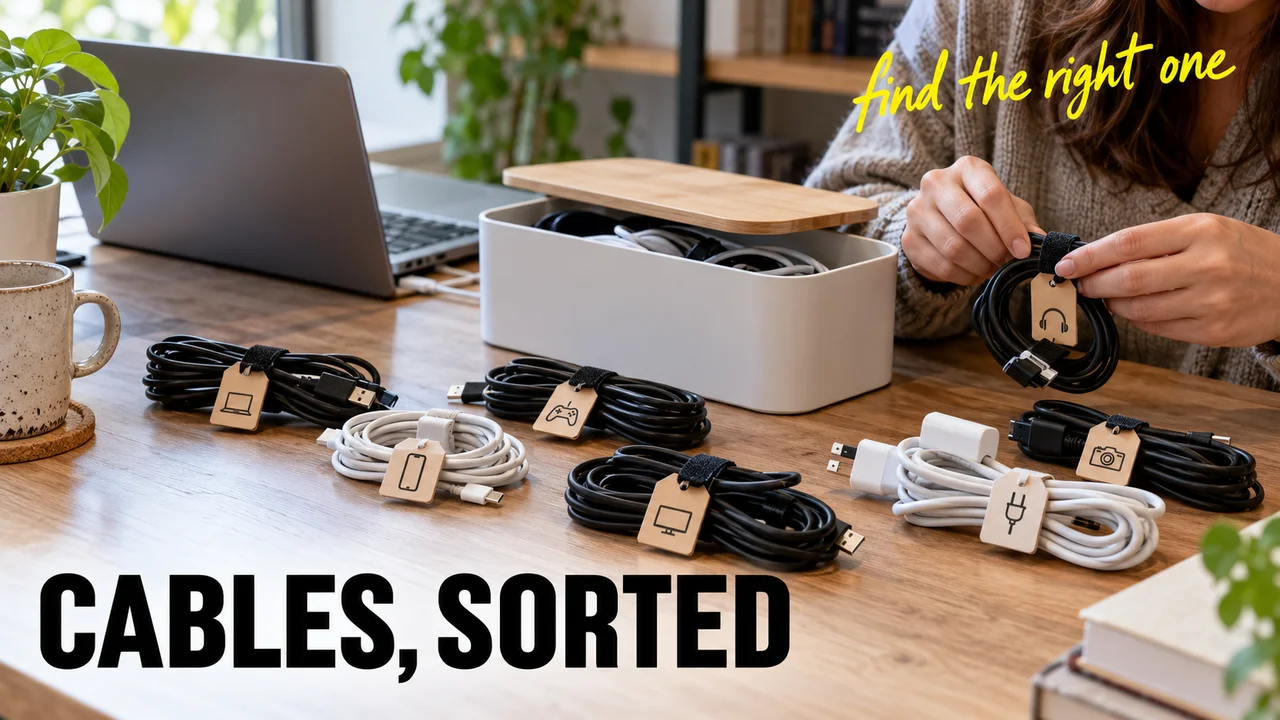
You open the office drawer for one USB-C cable and pull out a knot of six, plus a charger nobody can name. Almost every desk has that drawer.
Below: seven house rules for sorting, labeling and storing spare cables so the right one comes out in seconds, plus a cheat sheet to save.
Where the rules came from
I fix computers for dentists, bakeries and small law offices. Every rule below started as a ticket.
The seven rules
Rule 1: Sort by plug, not by device.
Devices come and go. Plugs last longer. Give each plug type its own clear bag or bin: USB-C, Lightning, micro-USB, HDMI, Ethernet, power adapters.
Rule 2: Label both ends.
Put a flag label an inch from each plug. Behind a desk, you only ever see one end. My label maker gets more use than my skillet.
Rule 3: Label what it does, not what it is.
Identical-looking USB-C cables can behave nothing alike. Apple's USB-C Charge Cable moves data at only 480 Mbps, the old USB 2.0 speed, and carries no video. Its Thunderbolt cables are far faster. Write speed and power on the label: "USB-C, 240W, 40Gbps" or "USB-C, charging, slow data."
Hidden tip: check the box before you toss it. Cables certified by the USB-IF, the group behind the USB standard, carry a logo showing 60W or 240W, usually with a data speed. Copy it onto the label.
Rule 4: Read the jacket before you label Ethernet.
"Cat5e" and "Cat6" cables look the same. In plain English, the category is the cable's speed class. It is usually printed on the outer jacket. Jacket color tells you nothing.
Rule 5: Tag every power adapter with its device.
Round "barrel" plugs come in near-identical sizes. A plug that fits is not proof of a match. Voltage and polarity, meaning which side is positive, must match the device, or you can damage it. A tag that says "Back office printer" ends the guessing.
Hidden tip: lost the tag? Read the adapter's small print. The "Output" line shows volts and amps, and a symbol shows polarity. Match both to the label on the device.
Rule 6: Coil loose, then strap it.
Wind long cables "over-under": flip every other loop. The twists cancel out, so the cable unrolls flat. Close each coil with a hook-and-loop strap. Never wrap a cord tight around its charger. The sharp bend at the brick is where it wears out.
Rule 7: Test it before it goes in.
Plug it in. Charge something. A cable that fails does not go back in. It's a future ticket. Ask your local recycling center where electronics go.
My weak spot
Confession: Rule 7 slips about once a month. I'm rushing, the cable looks fine, and in it goes. Gabriela calls that "a backup you never tested." She listens to me too much.
Make it yours
Steal the rules that suit you. If you pick just one, make it Rule 3. It works hardest.
Cheat sheet: the cable drawer rules
| Rule | Do this |
|---|---|
| 1. Sort by plug | One clear bag or bin per plug type |
| 2. Label both ends | Flag label an inch from each plug |
| 3. Label what it does | Write watts and data speed |
| 4. Ethernet | Copy the category off the jacket |
| 5. Power adapters | Tag with the device |
| 6. Coiling | Over-under, loose, strapped |
| 7. Testing | Test first, recycle the duds |
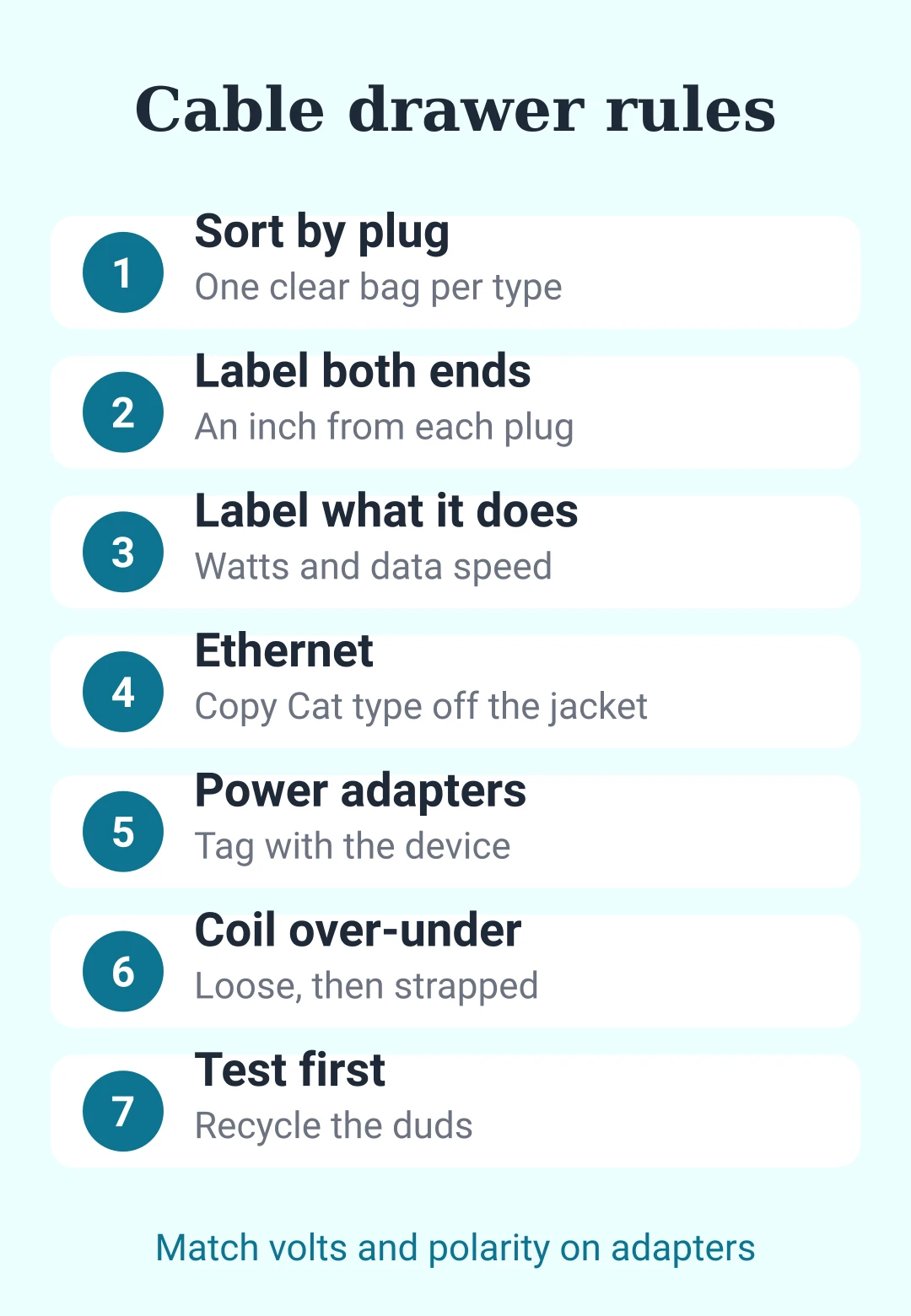
Those are the rules. They're not law, but in my back office, they might as well be.











后即可发表评论。
加载中…