
Phone Not Charging? How to Clean the Charging Port Safely
How to tell if pocket lint is why your phone won't charge, and a five-step way to clear the port with a wooden toothpick without damaging the contacts.

Victor Petrov
18 de julio de 2026 · 2 min de lectura
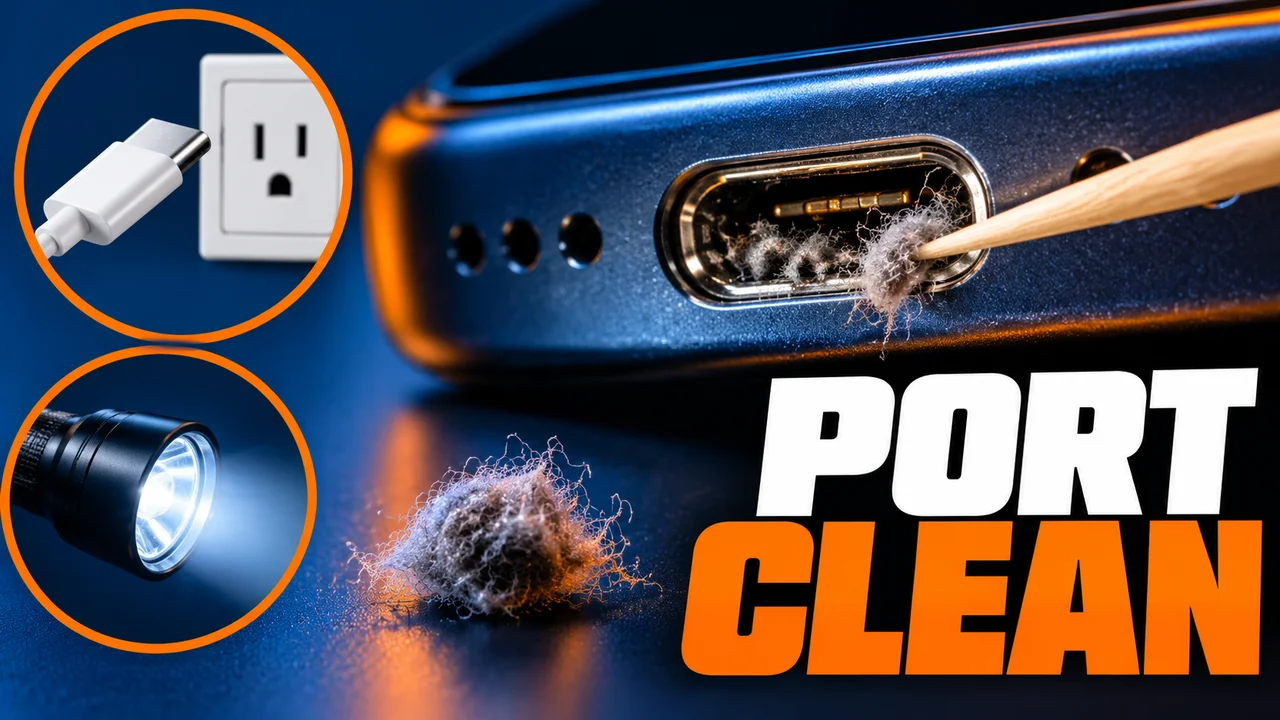
You plug your phone in overnight, wake up to a nearly flat battery, and the cable wiggles in the port. Most phones like that on my counter are not broken: the port is packed with pocket lint.
Here is how to tell if lint is the problem, and how to clean the port without damaging it.
What you need
About five minutes. Difficulty: easy. Only step 4 needs care.
- A flashlight
- A plain wooden toothpick, never metal, which can scratch or short the contacts
- A second cable you know works
Step zero: rule out the easy stuff
Try the second cable, another adapter and a wall outlet, as Apple and Samsung advise. If another cable charges fine, the port is fine.
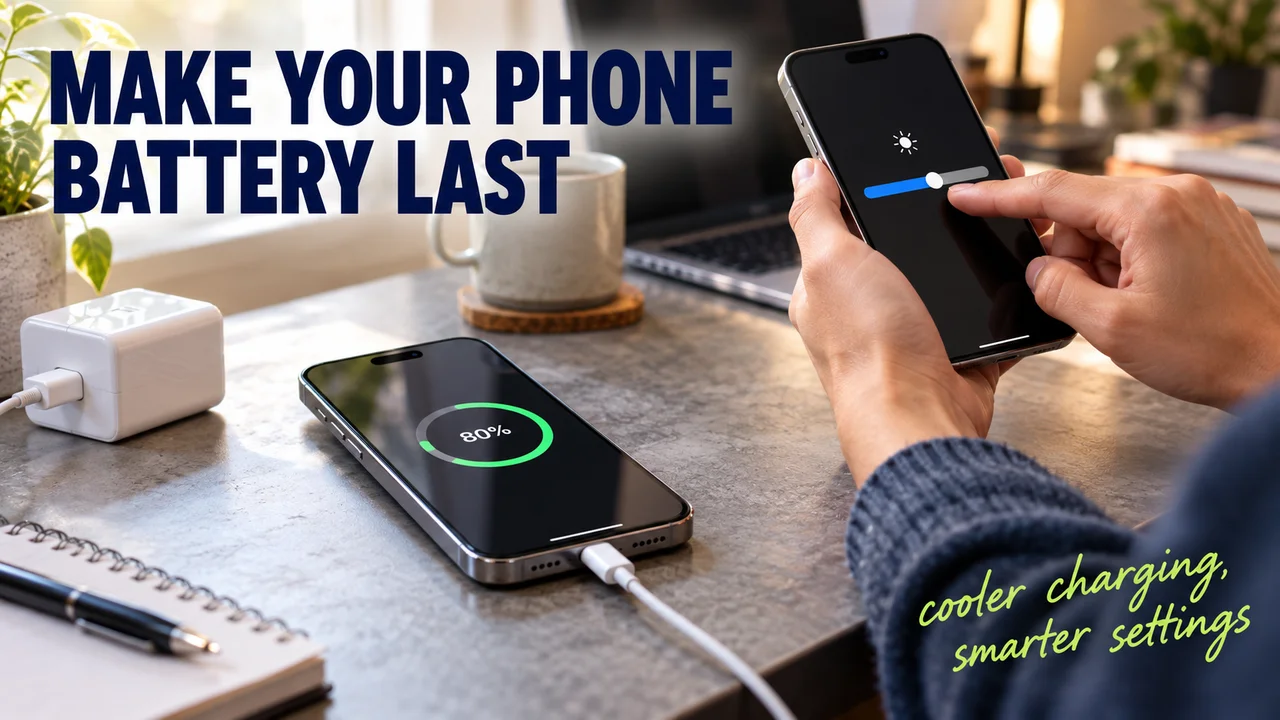
Hidden tip 1: an iPhone stuck at 80% is often doing it on purpose. Optimized Battery Charging pauses there and finishes near your usual unplug time, iPhone 15 and later can have a charge limit set, and a hot phone may hold back above 80%. None of that is lint.
The steps
- Turn the phone off and unplug it. Why: Google says not to clean a phone while it charges. Sign: a black screen.
- Shine the light straight into the port. Packed lint looks like flat gray felt, easy to mistake for part of the port.
- Tap the phone gently against your palm, port facing down. Google suggests exactly this, and loose crumbs fall out.
- Lift the lint out with the toothpick. Details below. Sign: gray fluff on the tip.
- Plug the cable back in firmly. It should sit deeper, with no wobble. Apple suggests charging half an hour before you judge.
Slow down here: the toothpick
People do damage here by stabbing straight in and twisting. Press the tip flat on the table first. Slide it along the back wall, then scoop toward you. One pass, check with the light, repeat. Never press on the center tab or the contacts.
Samsung and Google officially say not to put any object in the port. Wood is soft and does not conduct, but if the lint is packed hard or a pin looks bent, stop and let a repair shop do it. I keep a tin of toothpicks on the bench for exactly this job.
If it goes wrong
- Hidden tip 2, wireless works but cable does not: the battery still takes a charge. The fault is the port or cable.
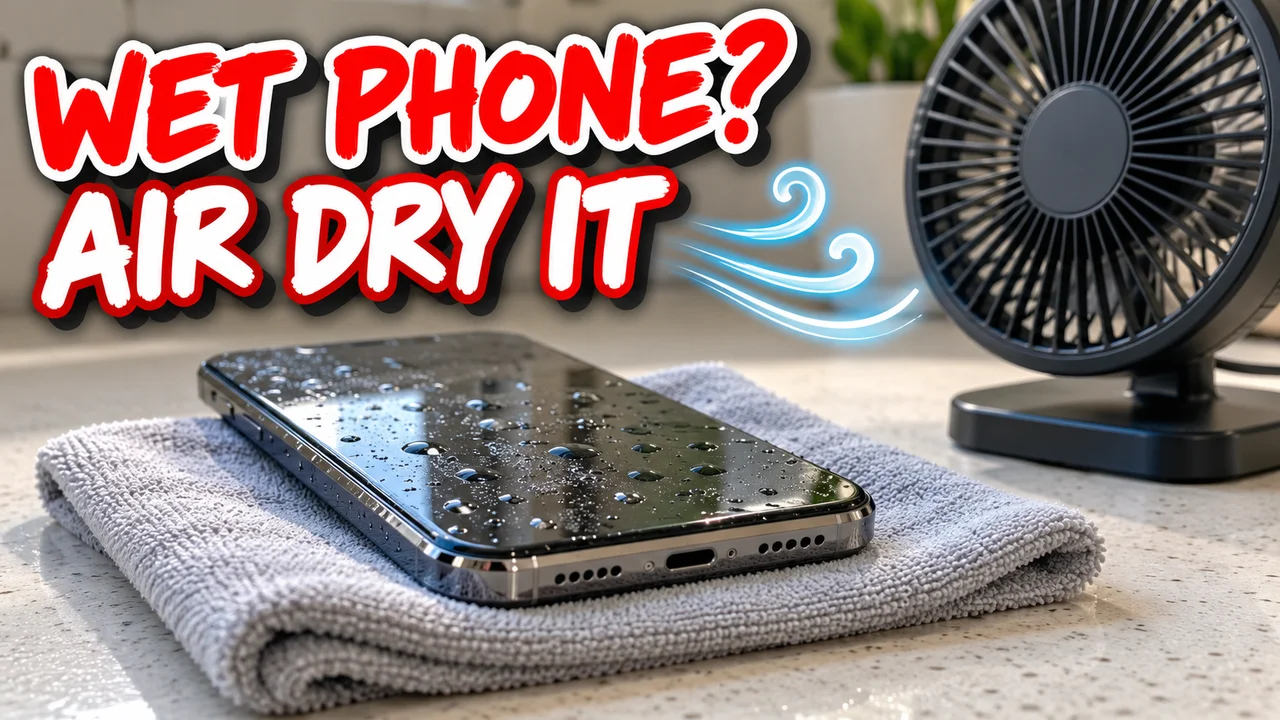
- A liquid or moisture alert appears: tap it port-down, wait at least 30 minutes, and allow up to 24 hours. It can appear even without water, Samsung notes. Apple says no rice, heat or compressed air.
- Still loose after cleaning: the port may be worn. That is a repair, and worth fixing.
Afterwards
Check the port with a light every few months, sooner if the phone lives in a jeans pocket.
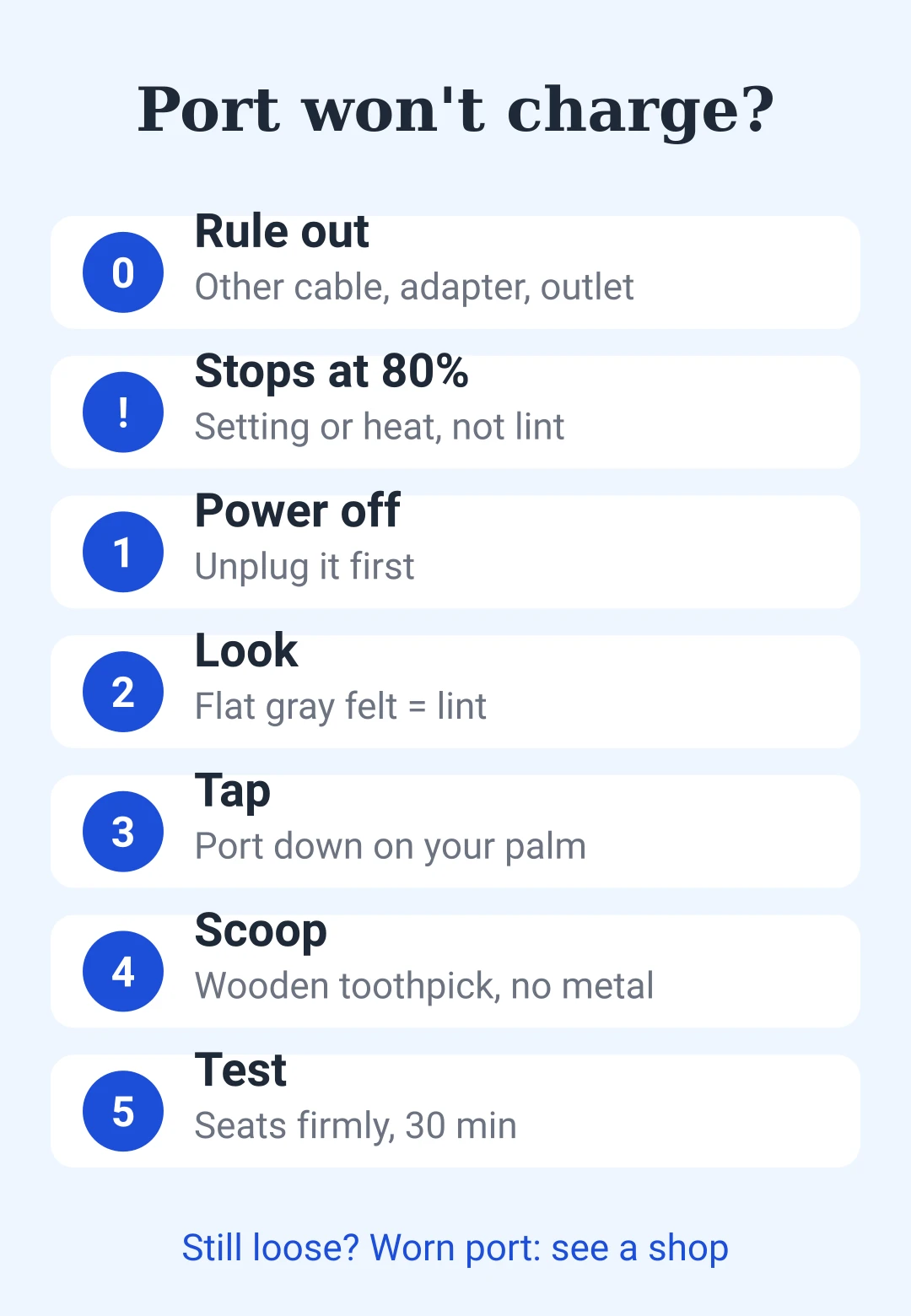
Cheat sheet: a port that won't charge
| Step | Do this |
|---|---|
| 0. Rule out | Other cable, adapter, wall outlet |
| Stops at 80% | Charging setting or heat, not lint |
| 1. Power | Phone off, unplugged |
| 2. Look | Light in: flat gray felt = lint |
| 3. Tap | Port down against your palm |
| 4. Scoop | Flat wooden toothpick, back wall, gently |
| 5. Test | Seats firmly, charge 30 min |
| Never | Metal, rice, heat, force |
| Still bad | Worn port: take it to a shop |







para dejar un comentario.
Cargando…