
Cracked Phone Screen? What to Do Right Away
Victor Petrov · 39 次观看 · 3周前 · 文章
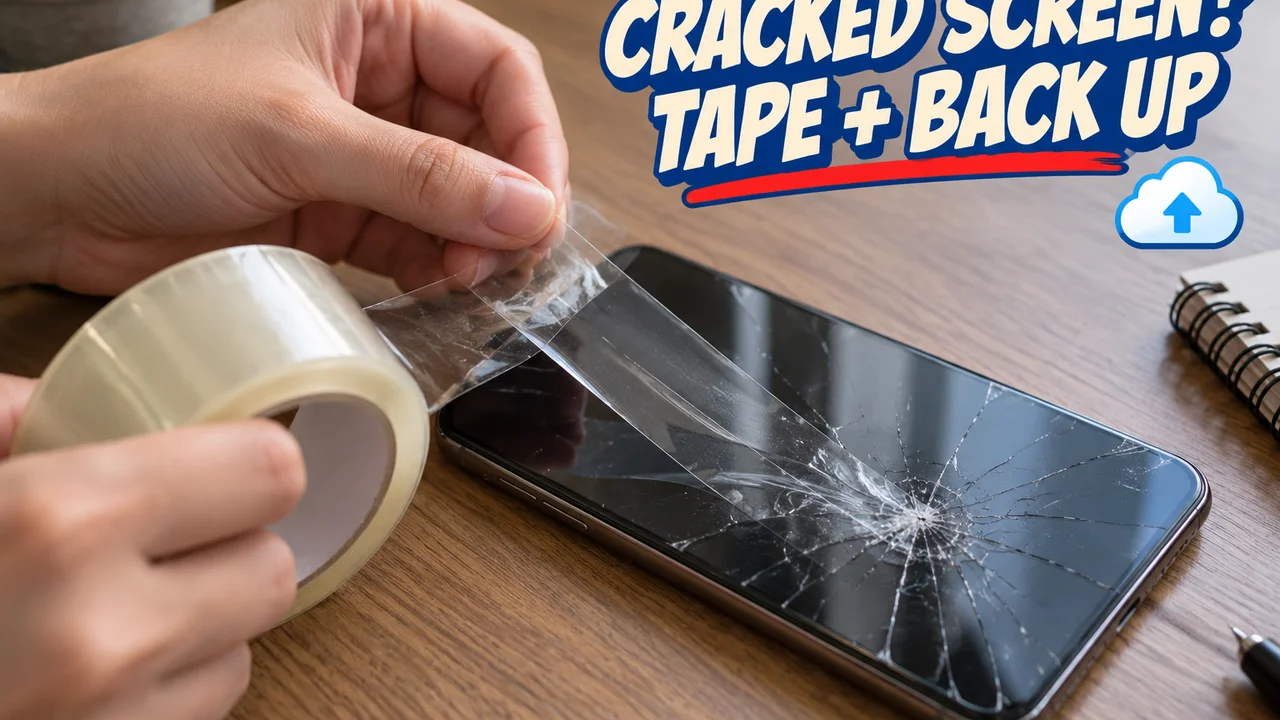
What to do in the first minutes after cracking a phone screen, how to keep it safe to use until it is fixed, and three quick questions that tell you what kind of repair it needs.
You pick up your phone and a crack runs across the glass from one corner. What you do in the next few minutes decides how much more breaks.
Here is what to do first, how to keep the phone safe to use, and three questions that tell you where it goes next.
The first five minutes
- Look before you swipe. Check for chips or loose pieces. Cracked glass cuts.
- Tape it. Lay strips of clear packing tape across the crack, overlapping a little. Repair techs do this to hold shards in place.
- Back it up. A crack can spread, and a dead display makes backups hard.
- Keep it dry. A cracked screen no longer seals. Treat the phone as not water resistant until it is fixed.
Question one: is it the screen or the protector?
A few phones a week reach my counter where only the protector cracked.
Hidden tip: follow the crack to the edge. If it stops at the edge of the protector and touch works everywhere, the screen underneath is probably fine.
- If the crack stops at the protector's edge: peel it off and look.
- If the crack runs to the frame or stays visible with the screen off: the glass itself is cracked. Go to question two.
Question two: is the display hurt?
The glass sits on top of the display panel. Under the loupe, what breaks is often both.
- If the picture is clean and touch works: only the glass cracked. Samsung still recommends repairing it as soon as possible.
- If you see black spots, ink-like marks or lines: the panel is damaged. Those spots can spread. Do not wait.
- If the screen is lifting from the frame or the phone rocks on a flat table: the battery may be swelling. Stop using and charging it.
Question three: who fixes it?
- If you have a protection plan or phone insurance: start there. Standard warranties cover defects, not drops.
- If you are handy with tiny screws and adhesive: Apple, Samsung and Google offer genuine parts and repair manuals for self repair. Apple says its program is for people with repair experience.
- If neither: a repair shop. Ask whether the replacement part is genuine.
Hidden tip: on an iPhone, after a repair, open Settings, then General, then About. Parts and Service History shows whether the display is genuine. Apple says an unknown part might lower trade-in value.
When to skip the questions
Glass falling out in chips? Stop using the phone and keep it in a bag until it is fixed. That one is not worth testing.
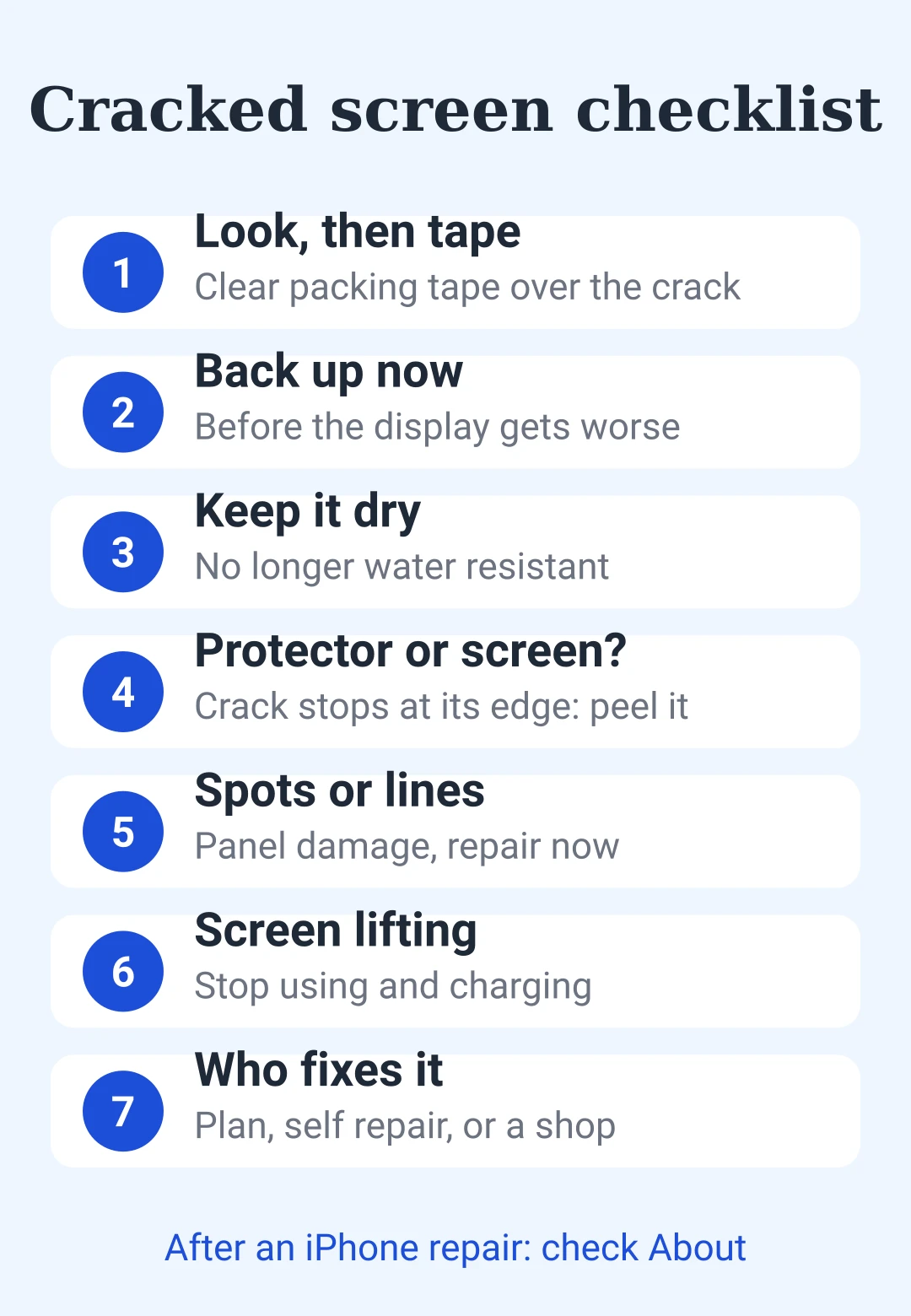
Save this: cracked screen checklist
| Check | What to do |
|---|---|
| Sharp edges or chips | Look first, then tape the crack |
| Your data | Back up right away |
| Water | Not water resistant until fixed |
| Crack stops at protector edge | Peel the protector, check the glass |
| Clean picture, touch works | Glass only, repair soon |
| Spots, ink marks, lines | Panel damage, repair now |
| Screen lifting | Stop using and charging |
| Who fixes it | Plan, self repair, or a shop |
| After repair (iPhone) | Settings, General, About: check parts |
- cracked screen
- phone screen repair
- screen protector
- phone repair
- broken glass
- phone care
- smartphone tips
- self repair
喜欢这篇帖子吗?
后即可发表评论。
加载中…