Phone Dropped in Water? What to Do (and Why Not Rice)
The first steps after a phone gets wet, from A to Z: power off, rinse sticky spills, drain, air dry and wait before charging, plus why rice, heat and swabs make it worse. Ends with a cheat sheet to save.

Victor Petrov
2026年7月24日 · 阅读约 3 分钟
The phone slips off the edge of the sink, and before it stops dripping someone in the house says to get the rice. Leave the rice in the cupboard.
Here are the right first steps after a phone gets wet, and the habits that make it worse, from A to Z. I skip the weak letters and cheat on X.
A to F: the first few minutes
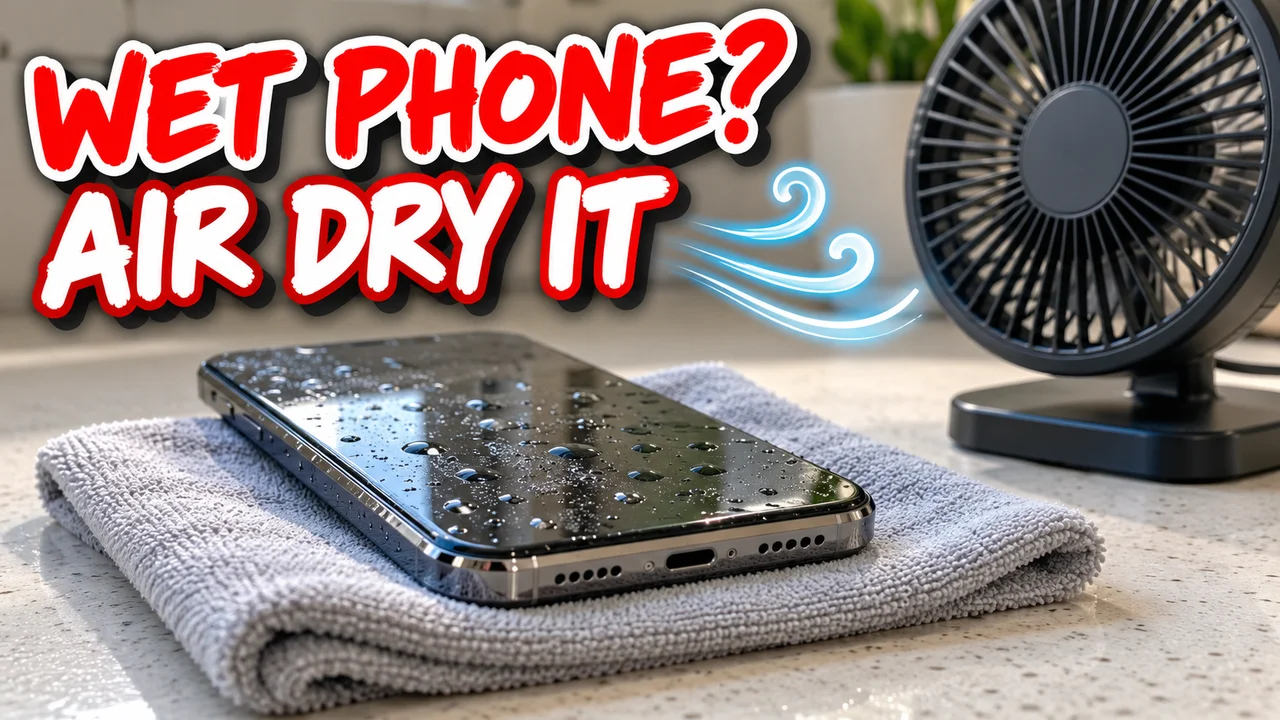
A is for airflow. A dry spot with moving air does the real drying.
Hidden tip: Apple says a small fan blowing cool air into the charging port may help.
B is for bag of rice. Apple warns that small rice particles can get inside and damage the phone. In a test by the resale company Gazelle, uncooked rice soaked up the least water of seven materials, and open air beat sealed rice. Rice wastes time you don't have.
C is for charging. Don't. Apple says to unplug every cable and wait at least five hours before charging with one. Wireless charging comes only after the phone is wiped dry.
D is for drain. Hold it port down and knock it lightly on your palm. Gravity is free.
E is for emergency override. An iPhone that senses liquid in the port shows an alert you can override. Keep that for a real emergency.
F is for fresh water. It sounds backwards. After salt water, soda or coffee, Apple and Samsung both say to rinse with clean tap water, then dry.
Hidden tip: drying alone leaves the sugar or salt behind, and Samsung names that residue as a cause of corrosion.
H to T: drying without making it worse
H is for heat. No hair dryer, no oven, no radiator. Apple rules out compressed air too.
L is for lint-free cloth. Take the case off and wipe the outside.
O is for off. Power down right away, as Samsung and Google both advise. Samsung warns that using a wet phone can cause internal damage or corrosion. Pressing buttons to see if it still works is the wrong test.
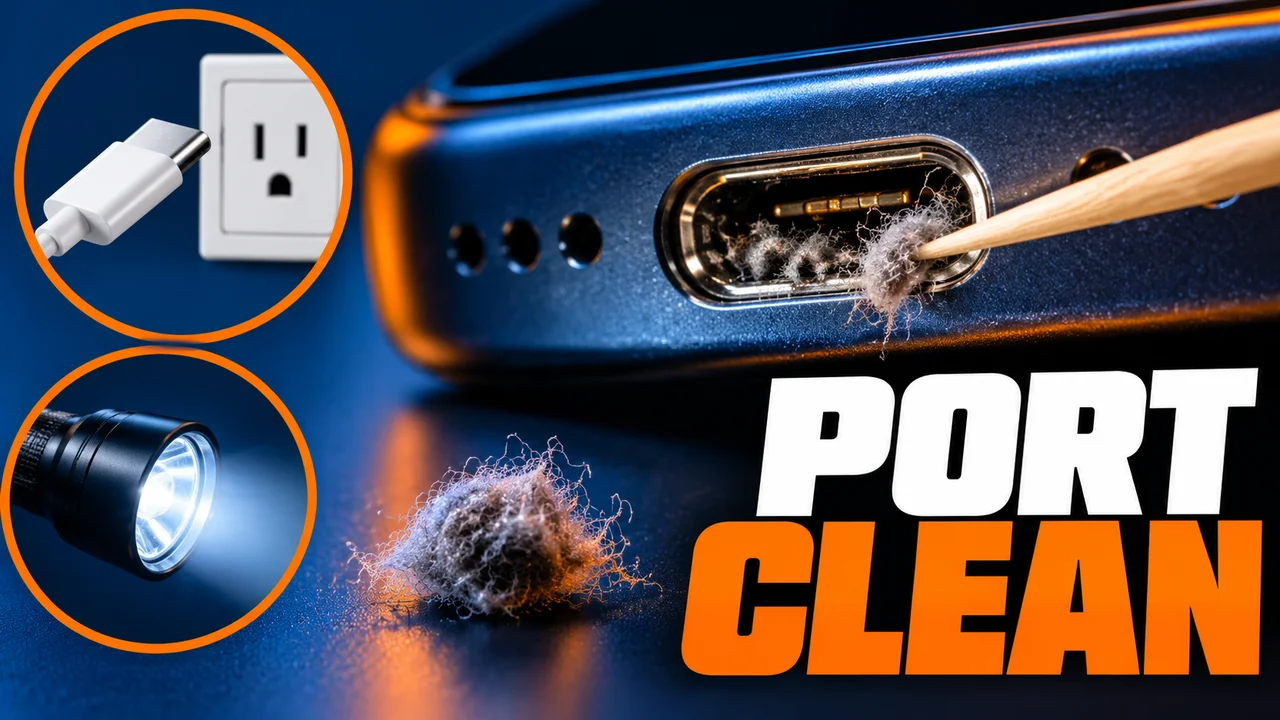
P is for port. No cotton swabs or paper towels in the connector, Apple says. My tin of wooden toothpicks is for dry lint; a wet port never gets one.
R is for rating. IP67 and IP68 come from lab tests. Apple says water resistance can decrease with normal wear, and its warranty excludes liquid damage.
S is for speaker. Muffled sound can mean water is still in there. Lay the phone speaker side down on a cloth and see if it drips.
T is for time. Apple says to retry after at least 30 minutes, and that drying can take up to 24 hours.
The hard letters
Q is for questions at the counter. At a repair shop, say what the liquid was and how long it sat. That tells me where to look first under the loupe.
X is for eXtra caution after it works. I know. iFixit points out that corrosion can keep spreading in a phone that switches back on. Back up your photos the same day.
Z is for zip bag. A sealed bag is the opposite of airflow. Leave the phone open on a table.
The letter that matters most
O. Almost every other letter assumes the phone is not running while wet.
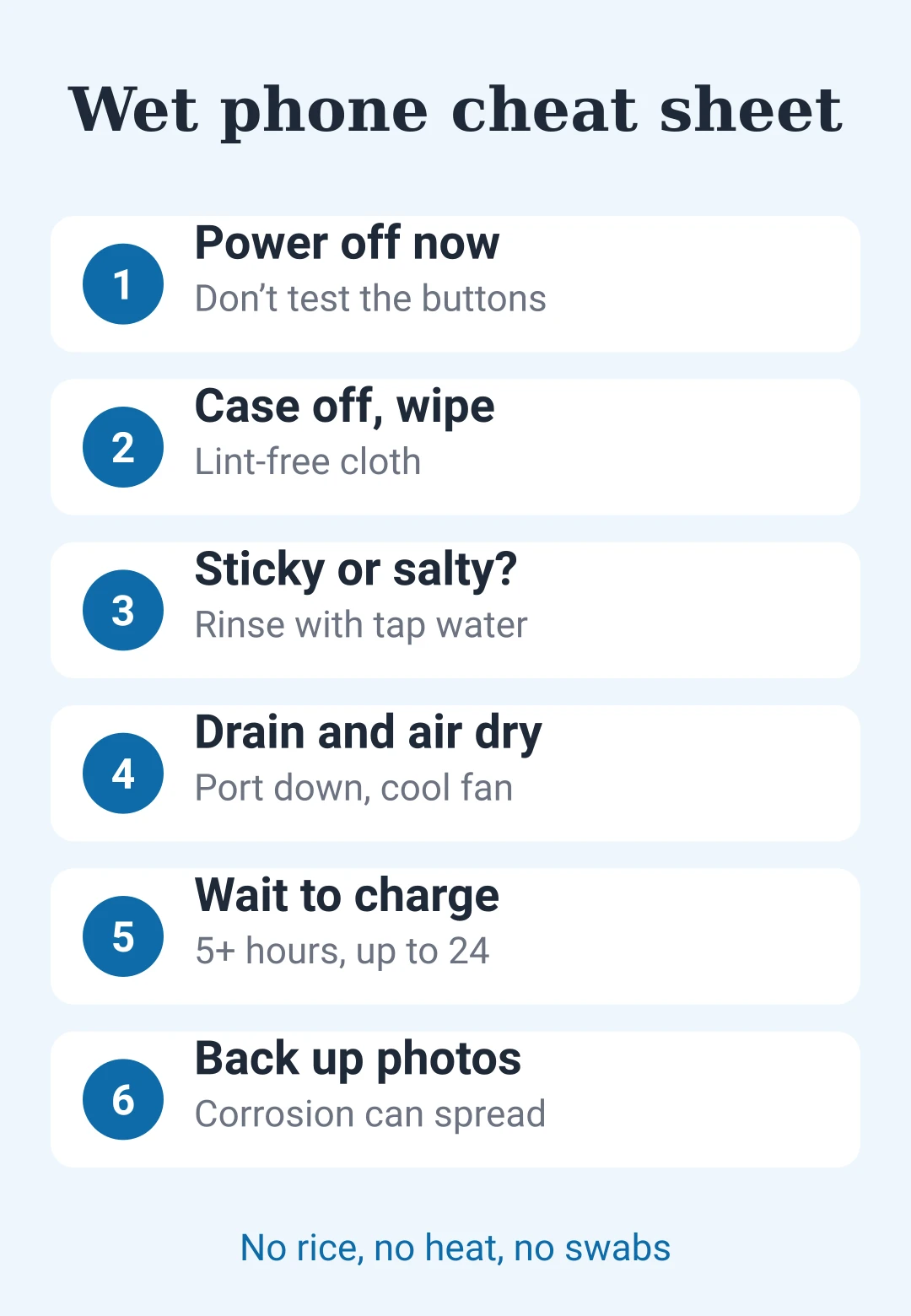
Save this: wet phone cheat sheet
| Step | Do this | Not this |
|---|---|---|
| Off | Power down now | Testing buttons |
| Wipe | Case off, soft cloth | Paper in the port |
| Rinse | Tap water if sticky or salty | Leaving residue |
| Drain | Port down, light knock | Swabs |
| Dry | Open air, cool fan | Rice, heat, air cans |
| Wait | 5+ hours before a cable | Charging early |
| After | Back up photos | Trusting the rating |





后即可发表评论。
加载中…